Templates that save you hours every week
Notion dashboards, planners, and trackers built for creative solopreneurs. Instant download, lifetime access.
Shop the run

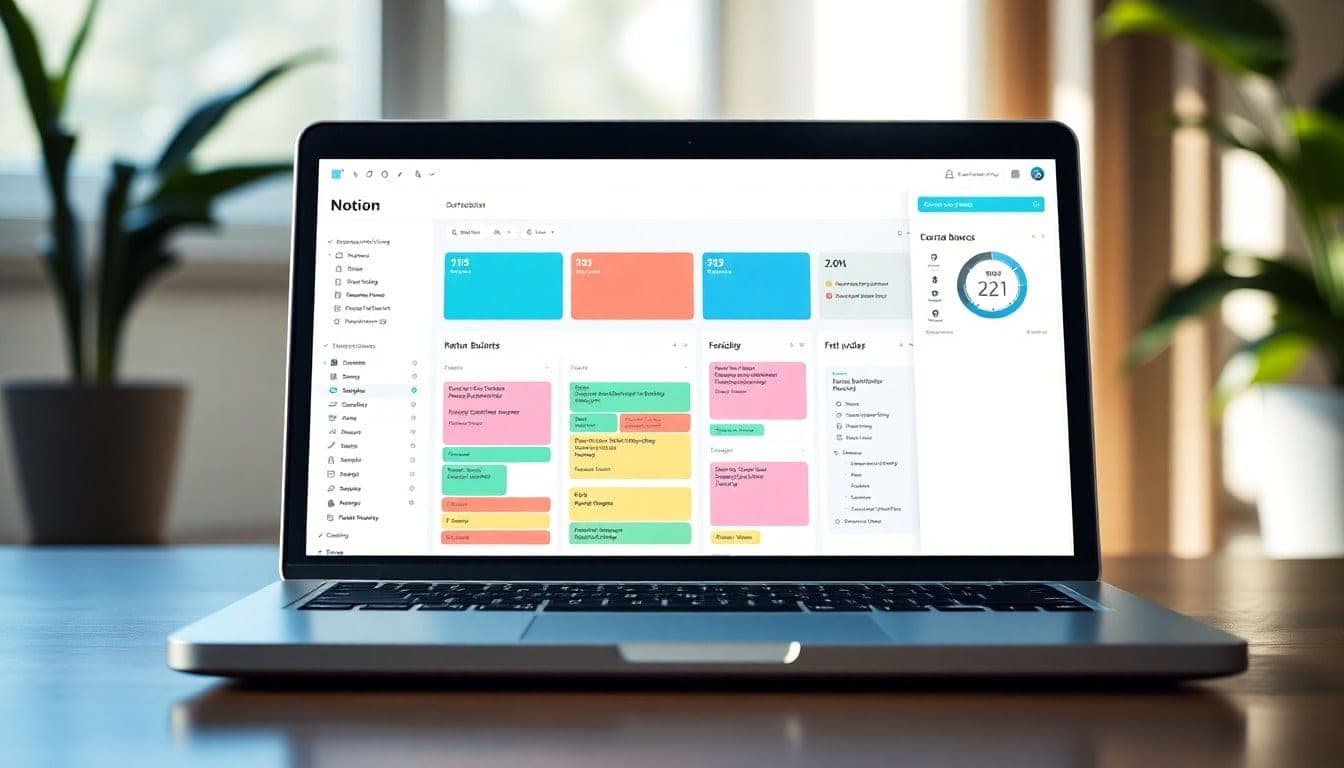
Freelance Dashboard Starter
A clean, modular Notion dashboard that tracks projects, invoices, and client communications in one place. Instantly connect your existing databases and start saving 2+ hours per week on admin.

Client Portal Template
A branded client portal that lets you share project updates, files, and feedback requests in a single Notion page. Your clients will love the clarity, and you'll cut down on back-and-forth emails.

Content Planner Pro
A comprehensive Notion database for planning, writing, and scheduling content across platforms. Includes a calendar view, status tracking, and a swipe file for inspiration — all ready to use.

Project Tracker Light
A lightweight Notion project tracker for solopreneurs managing 5–15 active projects. Add tasks, deadlines, and notes in a single database; see everything at a glance in board or timeline view.

Invoice Manager
A Notion database that tracks invoices, payment status, and client billing history. Includes a formula for overdue alerts and a summary view for tax time — no more spreadsheet chaos.

Goal Setting Workshop
A guided Notion workbook for quarterly goal setting with reflection prompts, action plans, and progress tracking. Import it instantly and start your next quarter with clarity.

Meeting Notes Vault
A searchable Notion database for storing and organizing meeting notes with tags, dates, and action items. Never lose a brilliant idea or a client request again.

Freelance Finance Hub
A complete Notion finance tracker for freelancers: income/expense logs, tax category breakdowns, and a profit dashboard. Import your data and get a clear picture of your business health instantly.
Made by a maker, for makers
I'm Jen, a freelance designer and Notion enthusiast. Over the years I built dozens of templates to manage my own projects, finances, and client work. Eventually I realized other creatives might benefit from the same shortcuts.
Every template here started as a real solution to a real problem I faced. They're not just pretty — they're tested in the wild, refined through actual use, and designed to save you time so you can focus on the work that matters.
Quick answers
How do I get the template after purchase?+
You'll receive an email with a link to duplicate the template directly into your Notion workspace. It's instant — no waiting for downloads or files.
Can I get a refund if it doesn't work for me?+
Absolutely. If the template doesn't meet your needs within 7 days, I'll refund your purchase. Just email me.
What format are the templates in?+
Everything is a Notion template — you duplicate it into your own workspace. No additional software needed.
Can I modify the template?+
Yes! You own the template. Tweak colors, add pages, remove sections — make it yours. You just can't resell the original.
Do you offer support if I get stuck?+
I do. You can reply to your purchase email anytime, and I'll help you set up or customize the template.
Will the template get updates?+
Yes. If I improve a template, you'll get notified and can duplicate the updated version at no extra cost.
They said it loud
I used to spend two hours every Monday planning my week. Jen's Weekly Planner cut that to 20 minutes. Game changer.
The Client Dashboard helped me track 15 projects without dropping a single ball. I've saved at least 5 hours a week.
I've tried half a dozen Notion templates. This is the only one that actually stuck. It's simple, logical, and doesn't try to do everything.
Latest writing
Notes, releases, and behind-the-scenes from the studio.
How I Set Up My Weekly Review in Notion (and Why You Should Too)
A step-by-step guide to building a weekly review routine that keeps your freelance business on track without the overwhelm.
Read post →How I Cut My Weekly Planning from 2 Hours to 30 Minutes
The simple weekly review routine that freed up 90 minutes and helped me focus on high-impact work.
Read post →Behind the Scenes: Building the Freelance Finance Tracker
Why I built a finance tracker for creatives and the three principles that guided its design.
Read post →Why I Stopped Using Trello and Moved Everything to Notion
Trello was great for simple lists, but I needed a system that could grow with my freelance business. Here's why Notion won.
Read post →New Release: Client Dashboard v2 with Automated Invoice Tracking
The biggest update yet: automated invoice tracking, project profitability metrics, and a cleaner interface.
Read post →The Real Cost of Using a Free Notion Template
Free templates often come with hidden costs: poor structure, no support, and time wasted fixing them. Here's what to watch for.
Read post →